 Sendajoyartmooviks by KIR KLEND
Guides, songs and portraits · Gift guide · presenting a digital gift
How to give a digital gift so it feels like opening a present
A digital gift has no wrapping, so the way you hand it over does the job paper and ribbon usually do. A few minutes of planning turns a link into a moment. These ideas work for e-books, tickets, photo albums, video messages and gift links alike.
Before you send anything
- Open the link yourself on a phone and on a laptop. Check the sound, the spelling of their name and that it loads without a login.
- Think about their device. An older relative may find it easier on a tablet or a TV than on a small phone.
- Pick the moment: their breakfast, the end of a work day, or midnight on the date. Check their time zone, not yours.
- Decide on the setting. Some gifts are best opened alone with headphones; others in a room full of family.
Write a message that makes them want to tap
A bare link in a chat looks like spam, or like a forward. Send it from your usual account and say who it is from and what to expect, without giving the surprise away. Two or three short lines are enough. For example: “Happy birthday. I made you something. Find a quiet minute, turn the sound up, and open this.” Then the link, on its own line. If you can, send a voice note first so they know it is really you.
Ways to hand over a link in person
- A card with a QR code. Print the code inside a birthday or holiday card, with your handwriting above it.
- A small box with a printed card inside, so there is still something to unwrap.
- A frame on the table. Print a still image from the gift, and put the QR code on the back.
- The big screen. Cast it to the TV at a family dinner and press play at dessert.
- A scavenger hunt: three clues around the house, and the last one is the link.
When you are far apart
- Watch it together on a video call. Share your screen, or ask them to open it while you watch their face.
- Ask someone nearby to help: a sibling or roommate can set up the TV, dim the lights and hand them a cup of tea.
- Mail something small with it: a postcard with the QR code, a packet of their favorite tea, a pressed flower.
- Send it at their midnight, so it is the first message of the day.
Pairing a digital gift with something to hold
A small physical token makes a link feel weighty. It does not have to cost much. Match it to the gift: popcorn with a film, a bookmark with an e-book, a candle with a song. For a painting, a printed copy of the image in a simple frame works well. The token sits on the shelf; the link holds the full gift.
Presenting an artmoovik
An artmoovik from Sendajoy is a private web page where a painting appears stroke by stroke to a song written for one person, then your letter appears with a numbered certificate. It opens in any browser, with no app and no sign-up, and plays on a phone, a tablet or a TV, so all the ideas above work with it. You receive the link right after payment and send it yourself, when you choose. The final frame can be saved as an image and printed at home or in a print shop, which makes a good token for a card or a frame. The brush is code, and the song's words and music are made with AI.
Small mistakes to avoid
- Sending the link during their work meeting or their commute.
- Writing “check this out” with no name and no context.
- Spoiling it in the message: “here is your painting with a song about our trip”.
- Forgetting to follow up. Ask the next day what they thought; it doubles the moment.
Ready letters you can use
Paste one under the film as it is, or change every word — the letter appears at the end of the artmoovik, after the last stroke.
“I wanted to give you something you could open wherever you are. Sit somewhere quiet, turn the sound up and let it play to the very end. I wish I could see your face right now. Since I can't, call me after. I love you, from this side of the ocean.”
“There is nothing to unwrap this time, so I asked you to close your eyes for a second instead. Now open them. This picture and this song are for you, and so is every word below. Merry Christmas to the person who makes every December warmer.”
“Mom, if this is playing on the big TV right now, my sister did her job. Thank you for every packed lunch, every late ride and every time you said “call me when you get there.” I am calling right after this. Happy birthday.”
Questions
How do you present a digital gift in person? Put a QR code in a handwritten card or a small box, print an image from the gift and frame it, or play it on the TV at a family gathering. The point is to give them a moment and something to hold.
What should I write when I send a gift link? Say it is from you, hint at what it is, and suggest how to open it: a quiet minute and the sound on. Keep the link on its own line so it does not look like a forward.
How do I make sure the link opens for an older relative? Test it on the device they use, or ask someone nearby to open it with them. An artmoovik opens in any browser with no app and no sign-up, and can be played on a TV.
Can I schedule an artmoovik to arrive on a set date? There is no built-in scheduler. You get the link right after payment and can send it at the exact time you choose, or print it as a QR code in a card.
Can I print a digital gift? Often you can print part of it. With an artmoovik, the final frame can be saved as an image and printed at home or in a print shop. The full gift, with the song and letter, stays on the private page.
Related
- Gift guide · experience or object
- Gift guide · 1 of 1 NFT, explained
- Gift guide · meaningful
- Gift guide · for people who want nothing
- Gift guide · personalized
- Gift guide · under $50
- Guides, songs and portraits — all
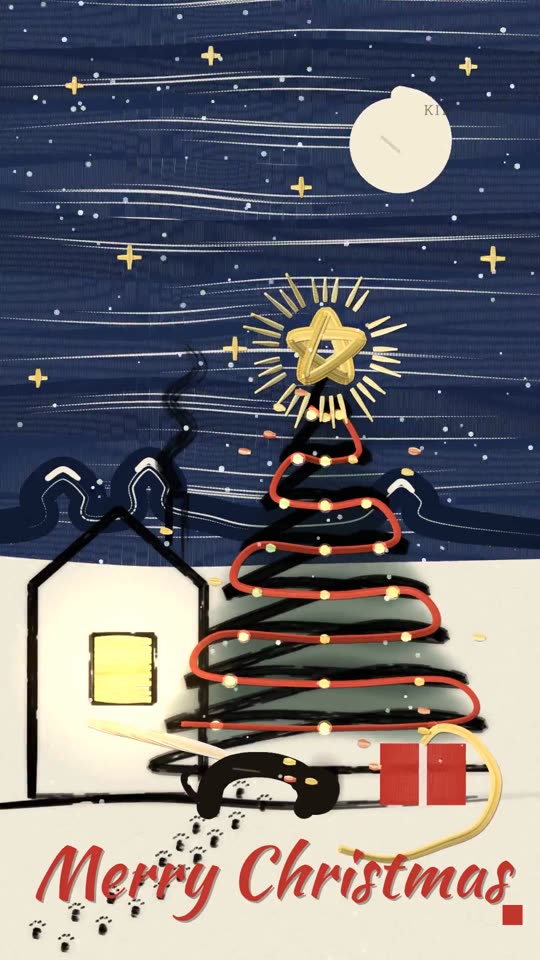 The Dog Ate Christmas
 One Thread
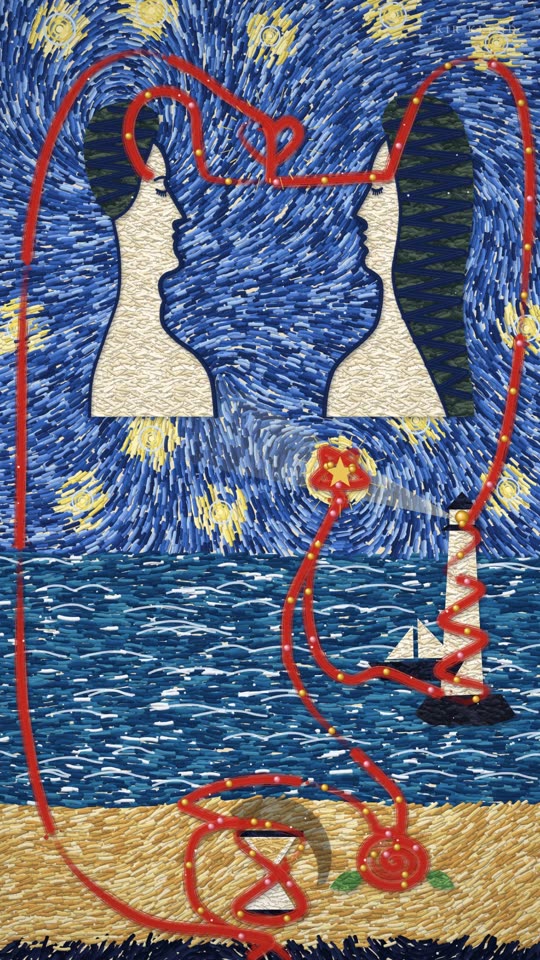 Ever-Fixed Mark
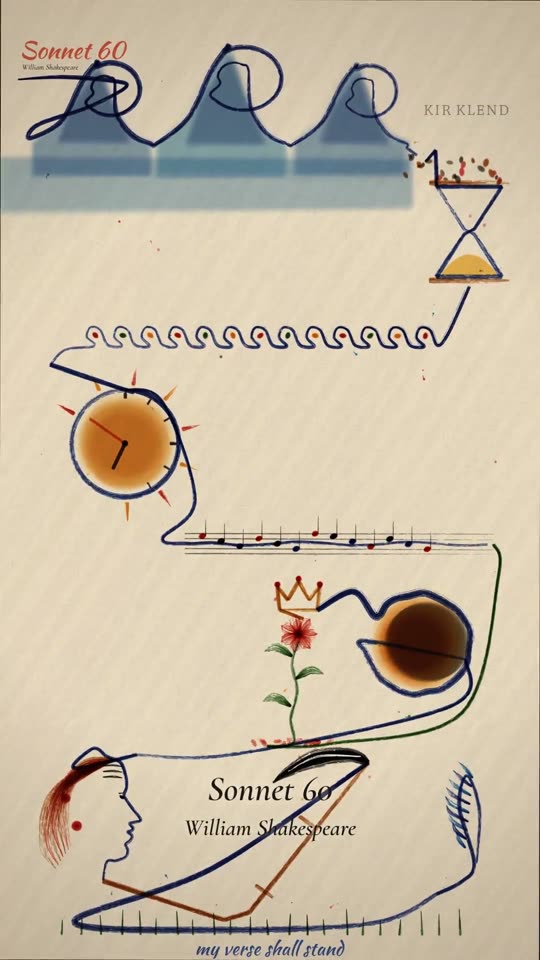 My Verse Will Stand
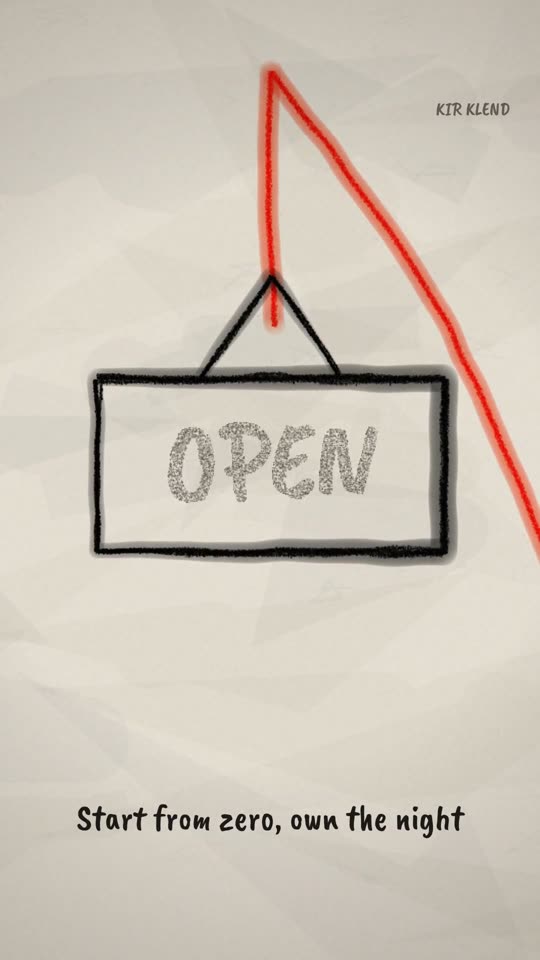 Start From Zero